Overview
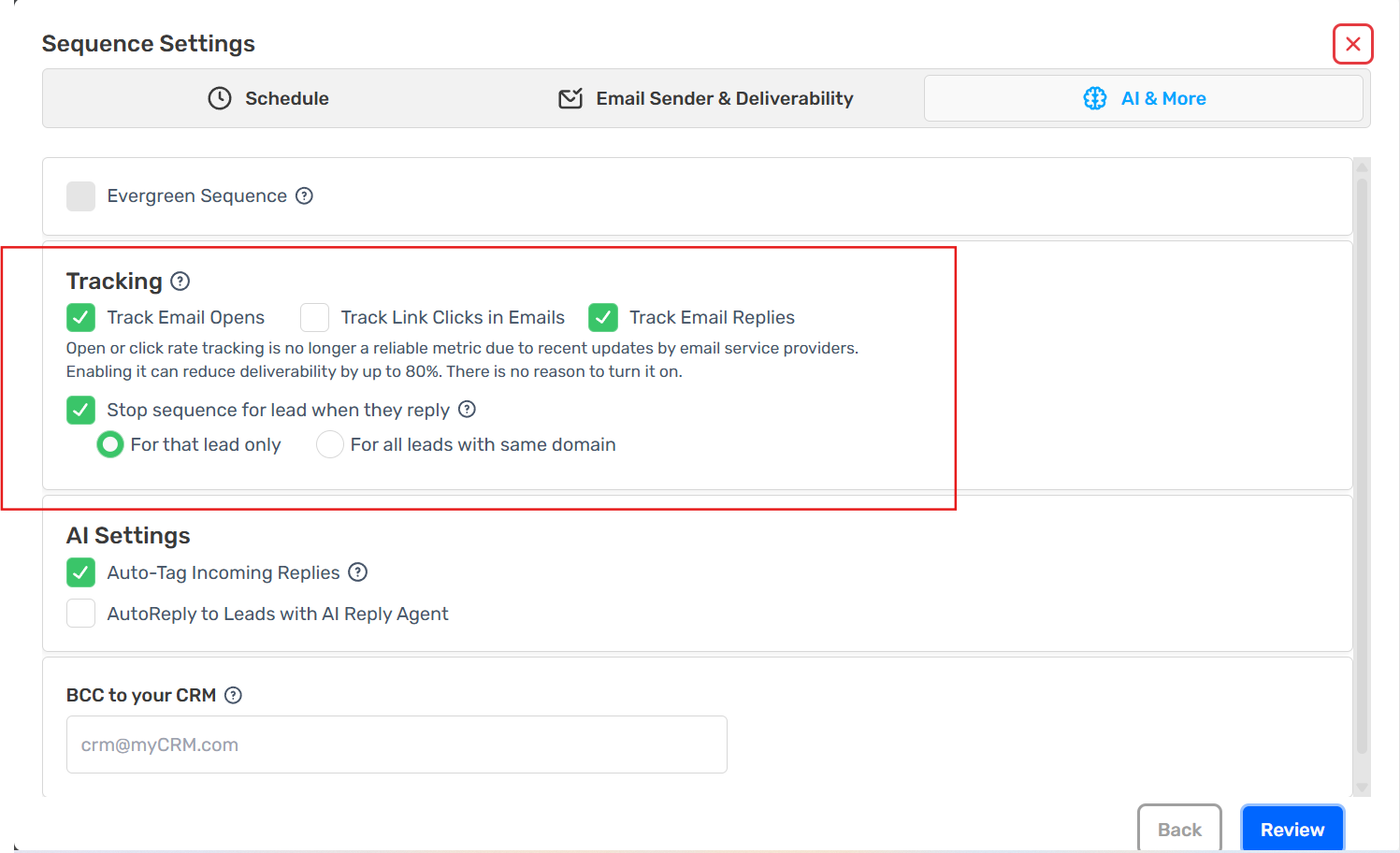
You can disable tracking for any emails you send by unchecking the tracking options while scheduling and launching your sequence.
Disable Tracking
While scheduling your sequence, open Sequence Settings.
Uncheck the tracking options you want to disable:
Email opens
Link clicks
Reply tracking