Overview
The steps to change the sender name depend on the type of sender you are using.
Gmail / Outlook
Update the sender name directly in your email account settings:
Go to Gmail Settings or Outlook Settings.
Change your display name.
Reconnect the sender in SalesBlink.
Google Workspace Alias
Update directly from SalesBlink:
- Edit your email sender.

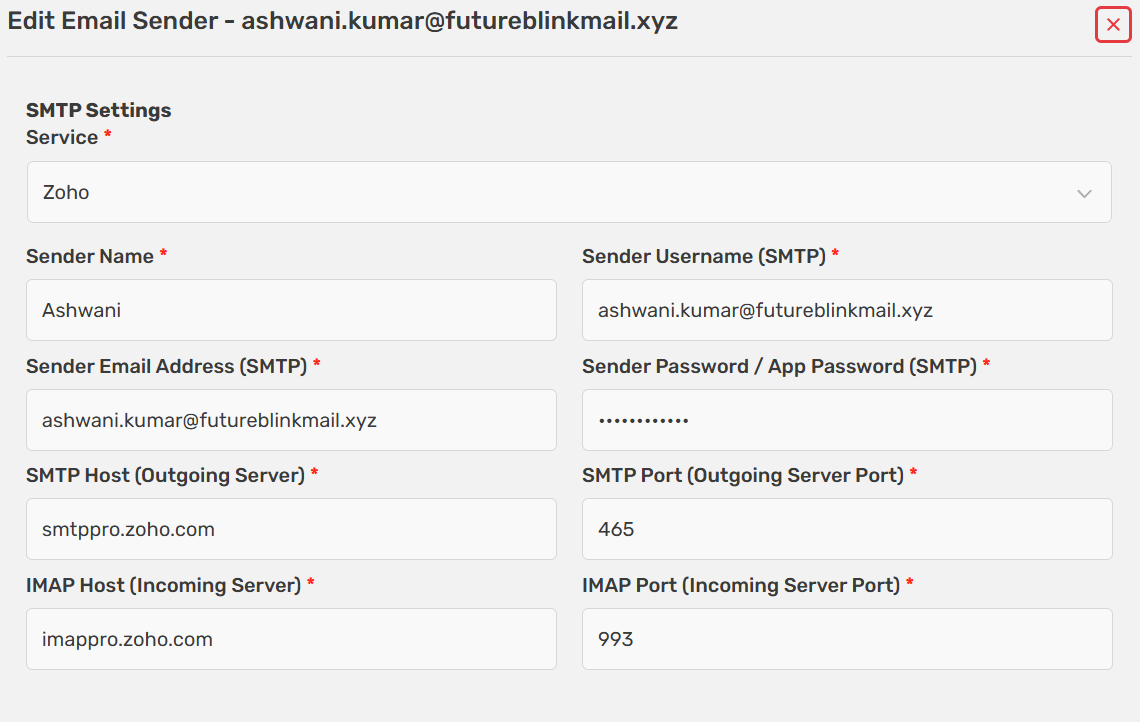
Enter the new sender name.
Save the changes.
SMTP / IMAP (Including Free Gmail / Zoho)
Edit your email sender inside SalesBlink.
Update the sender name.
Save your settings.