Overview
Get real-time notifications in Slack for SalesBlink activities like replies, opens, and clicks.
Prerequisites
- Slack workspace admin or permission to add integrations
Start the Integration
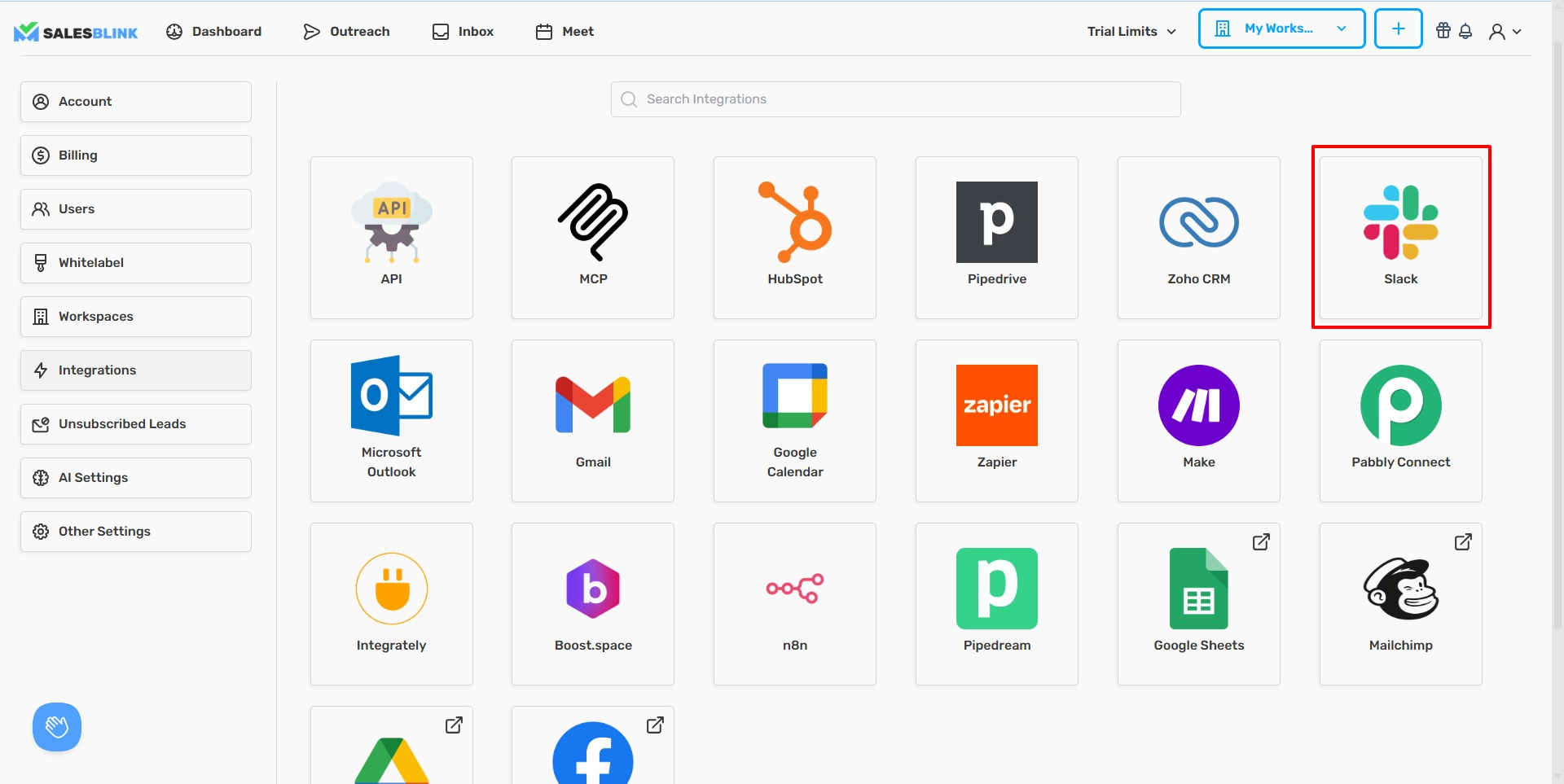
- Click your Profile icon in the top-right corner.

- Select Integrations from the dropdown.

- Click Slack.
Authorize Slack
- Enter your Workspace URL (found in the top-left of Slack, e.g., your-workspace.slack.com).
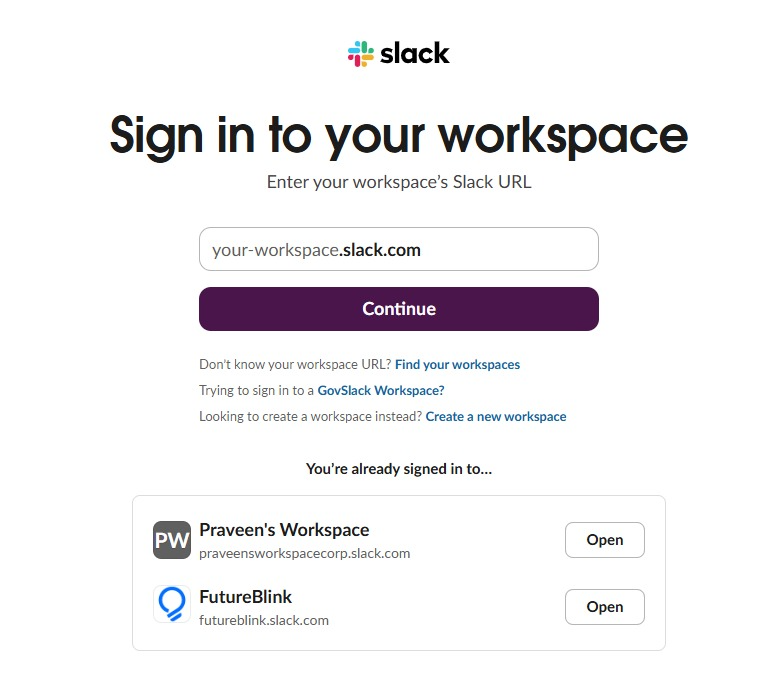
Or select your workspace if already signed in.
- Select the Channel to receive notifications.
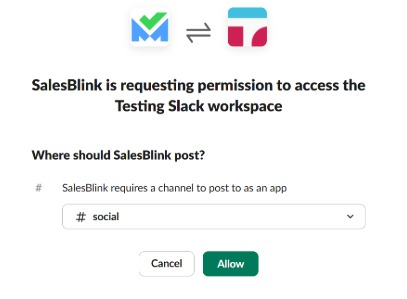
- Click Allow to authorize SalesBlink.